
Network solutions
A network matched to your infrastructure.
From cabling and outlets to rack cabinets, fibre optics and PoE — plan an organized network and find the matching parts in one catalogue.
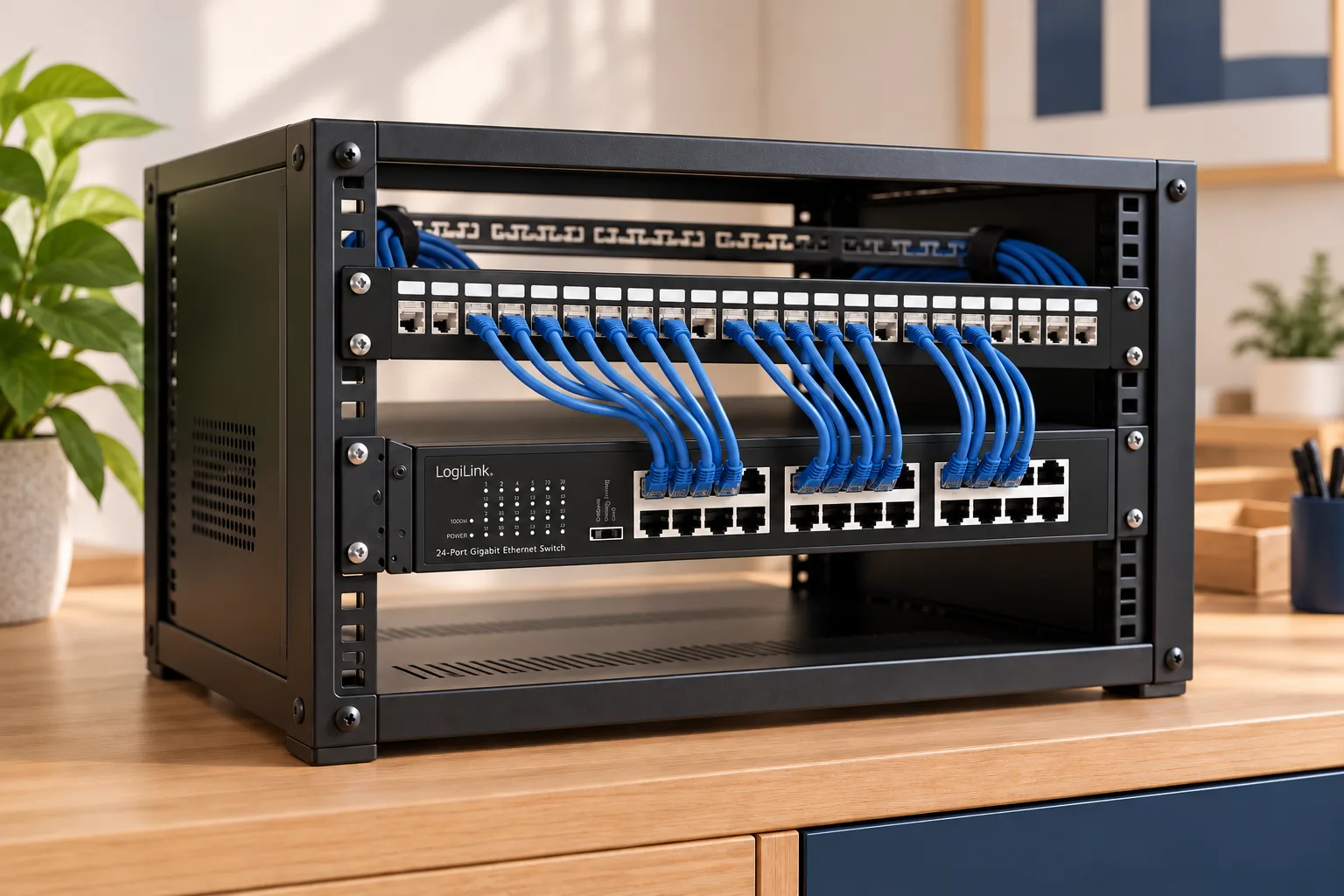
Copper cabling
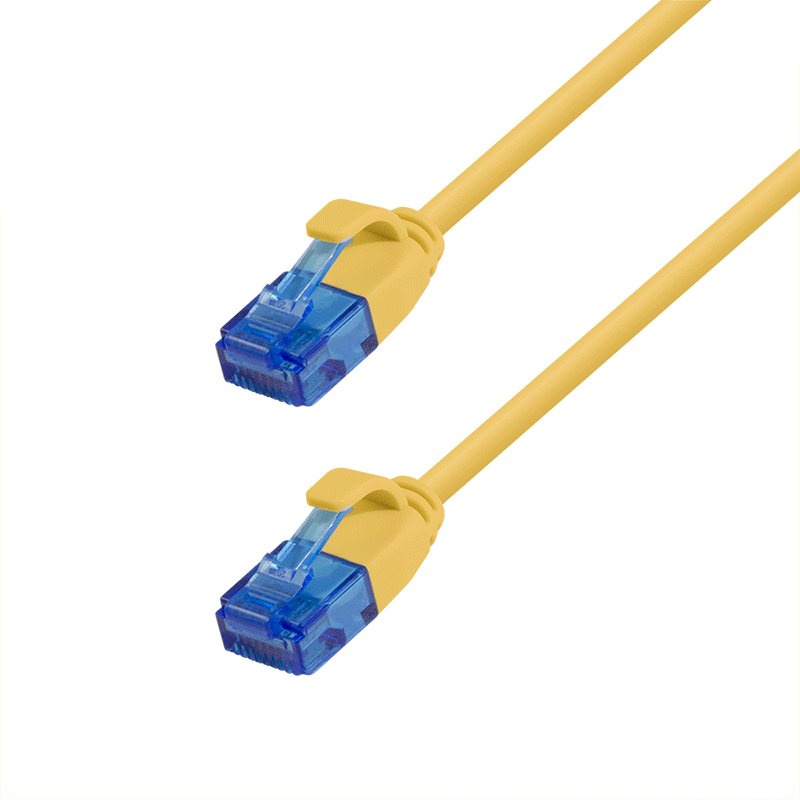
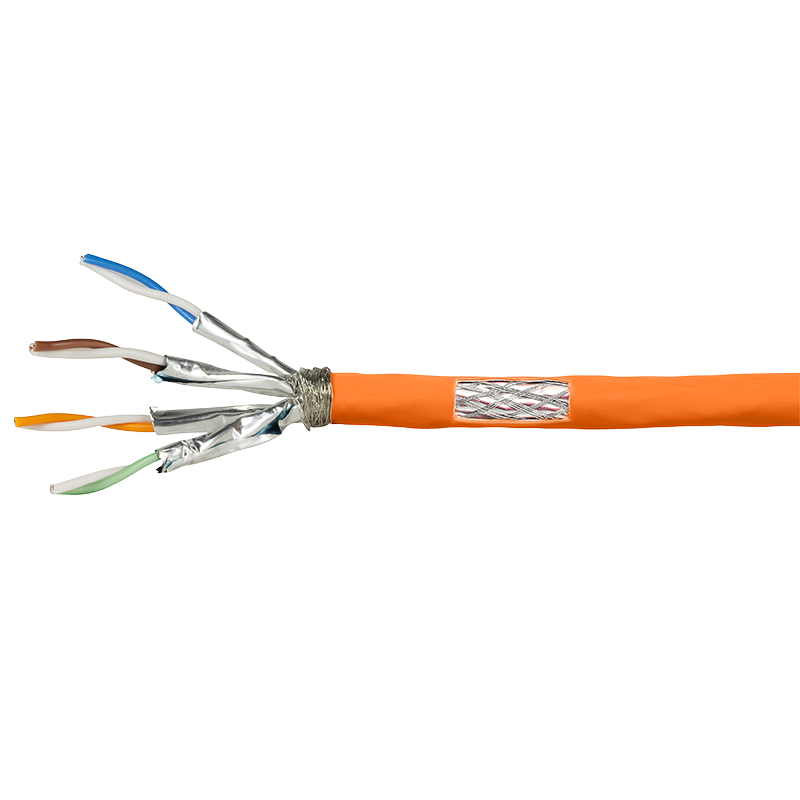
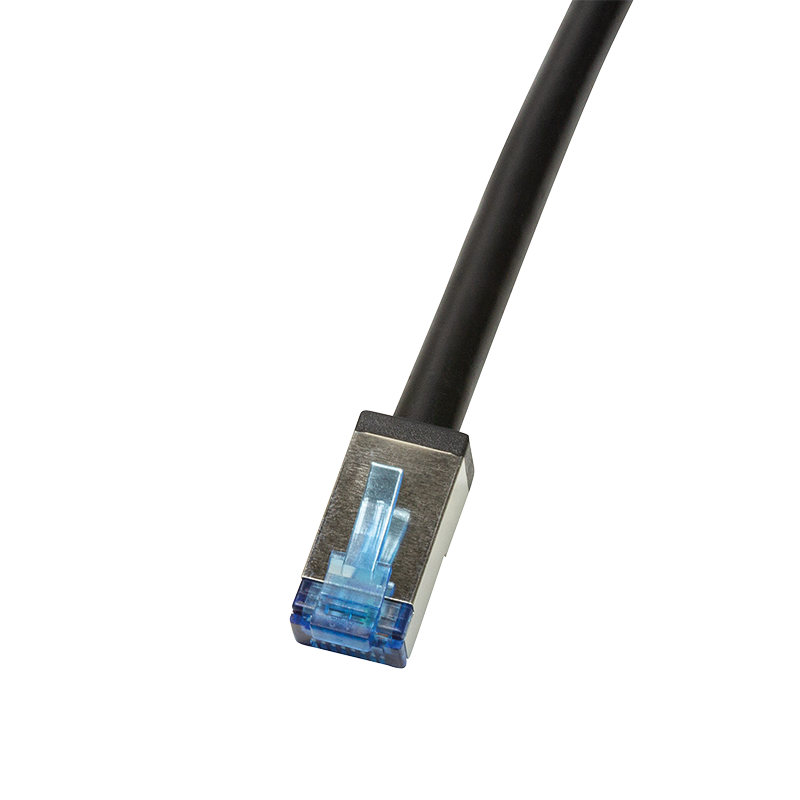
Patch cables connect devices in the rack and at the desk, installation cable runs permanently in walls and trunking, and outdoor and industrial cables cover places where a standard patch cord is not enough. Choose the category, shielding and length for the route the cable will take.
- Connections in the rack and at workstations
- Permanent runs in walls and trunking
- Outdoor and industrial runs
Catalogue categories
Outlets and connections
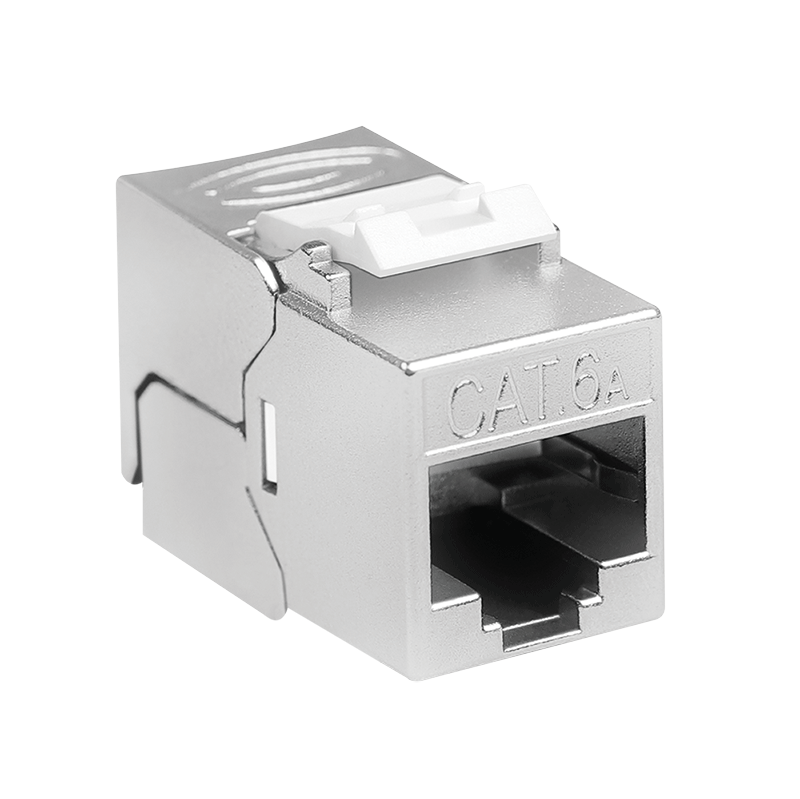
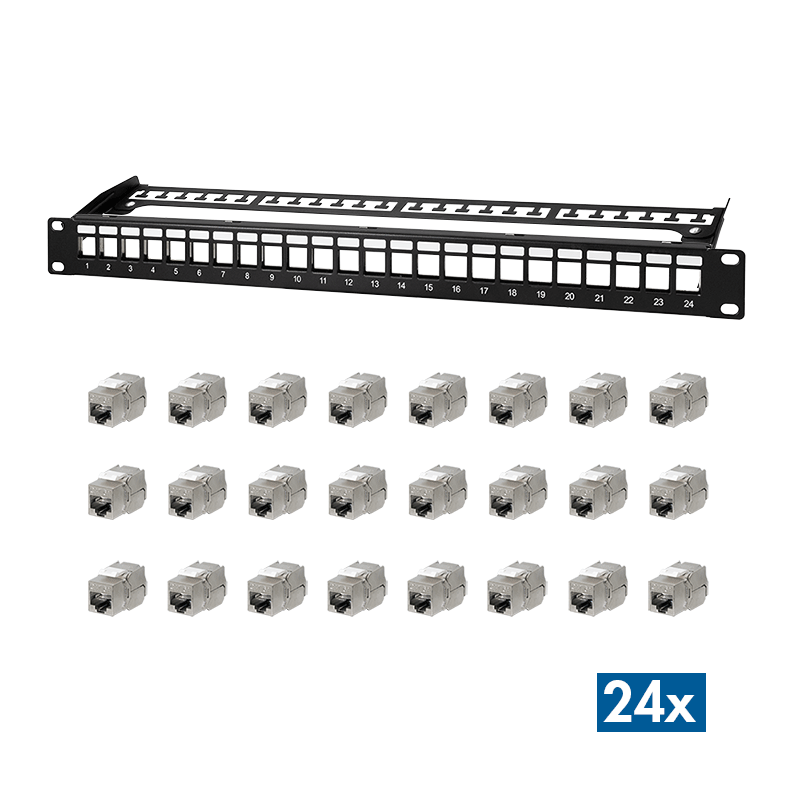
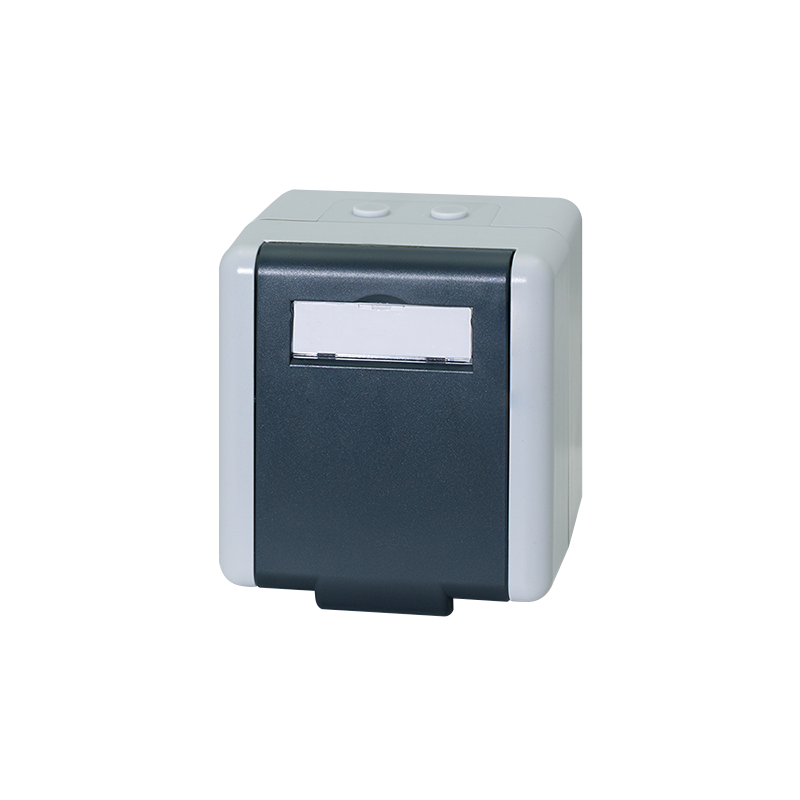
Keystone modules terminate installation cable and mount in patch panels, faceplates and surface boxes. A patch panel keeps the ports in the rack in order, while a wall outlet or surface box provides a fixed connection point in the room.
- Terminating installation cable
- Organized ports in the rack
- Fixed network points in rooms
Catalogue categories
Racks and rack equipment
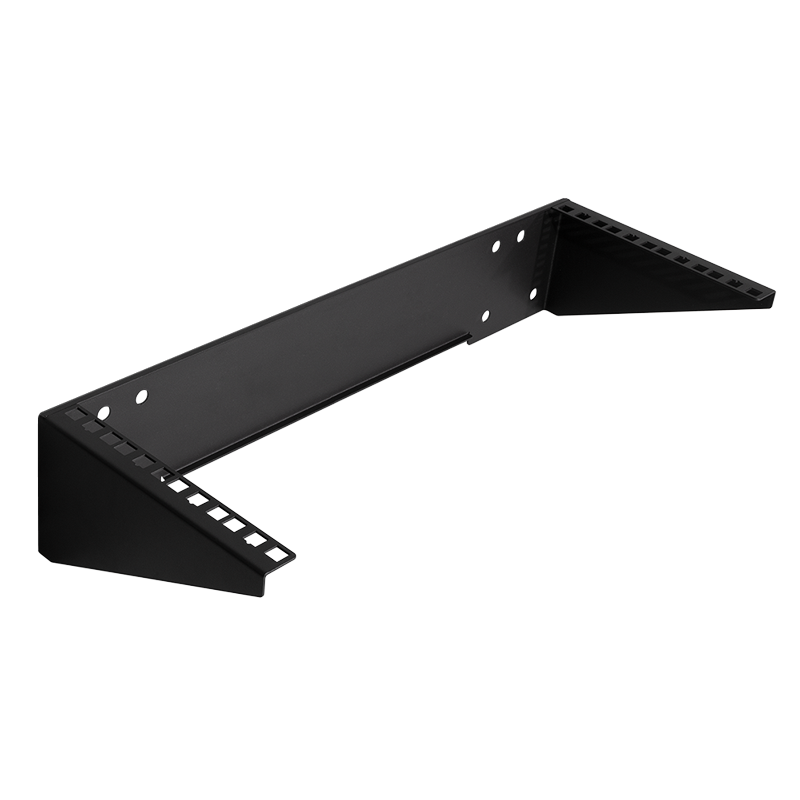
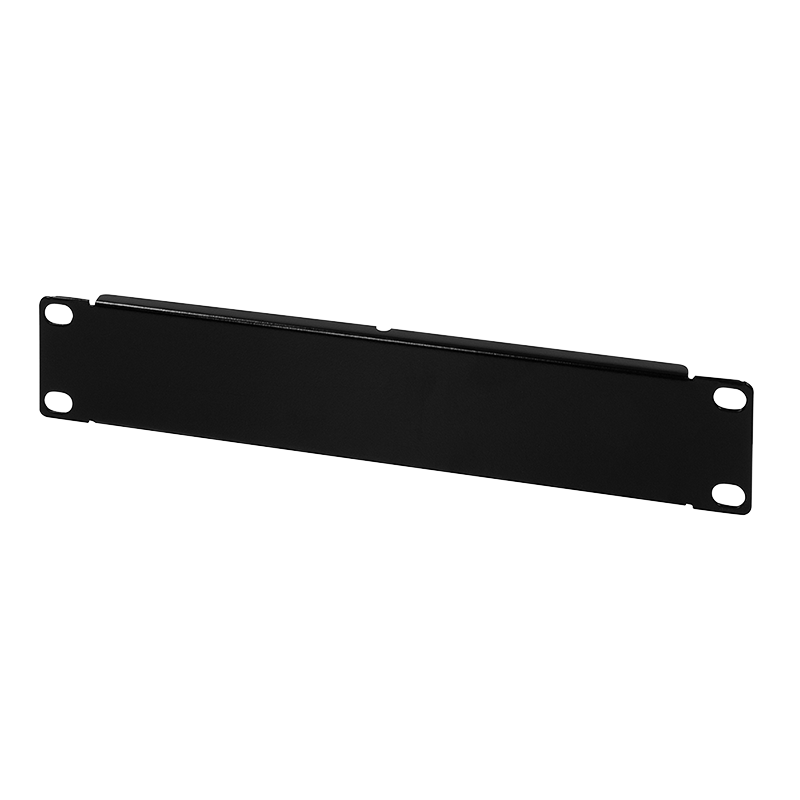
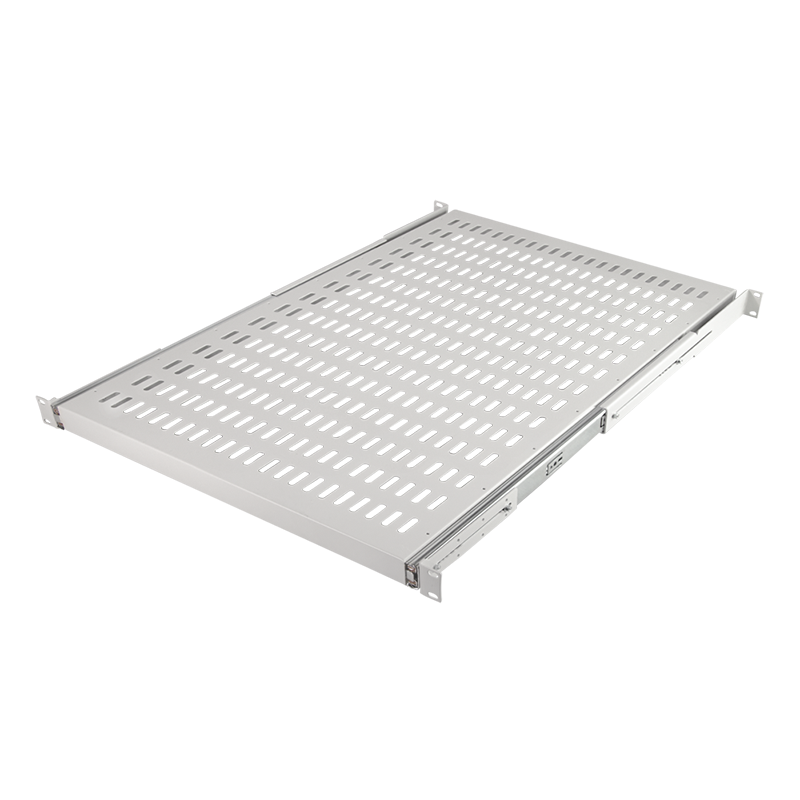
A rack frame or cabinet keeps switches, panels and power in one place. A shelf holds equipment that cannot be screwed to 19" rails, a fan unit helps remove heat, and a PDU distributes power inside the cabinet. Accessories for 10" racks suit smaller installations.
- Network equipment gathered in one place
- Room for a router, modem or NAS
- Power and ventilation in the cabinet
Catalogue categories
Fibre optics
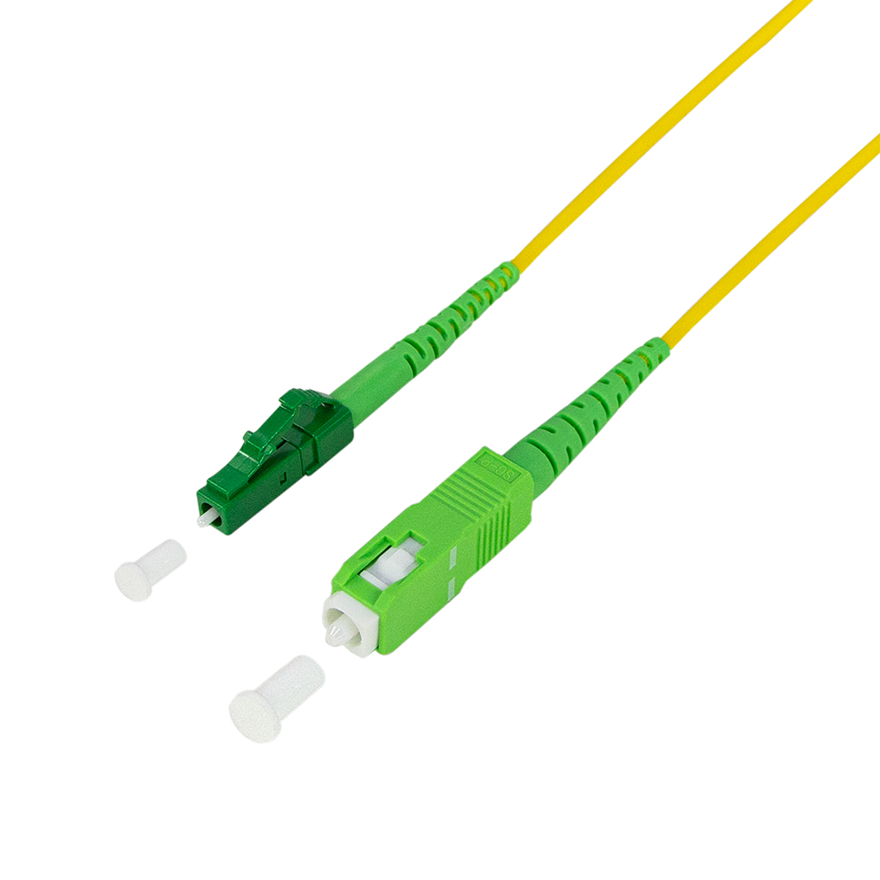
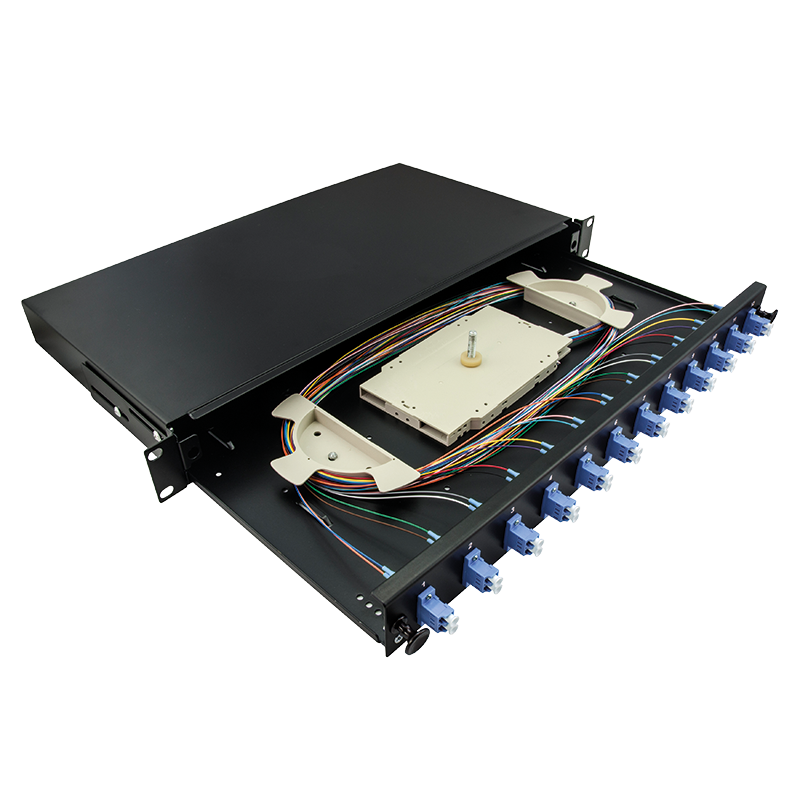
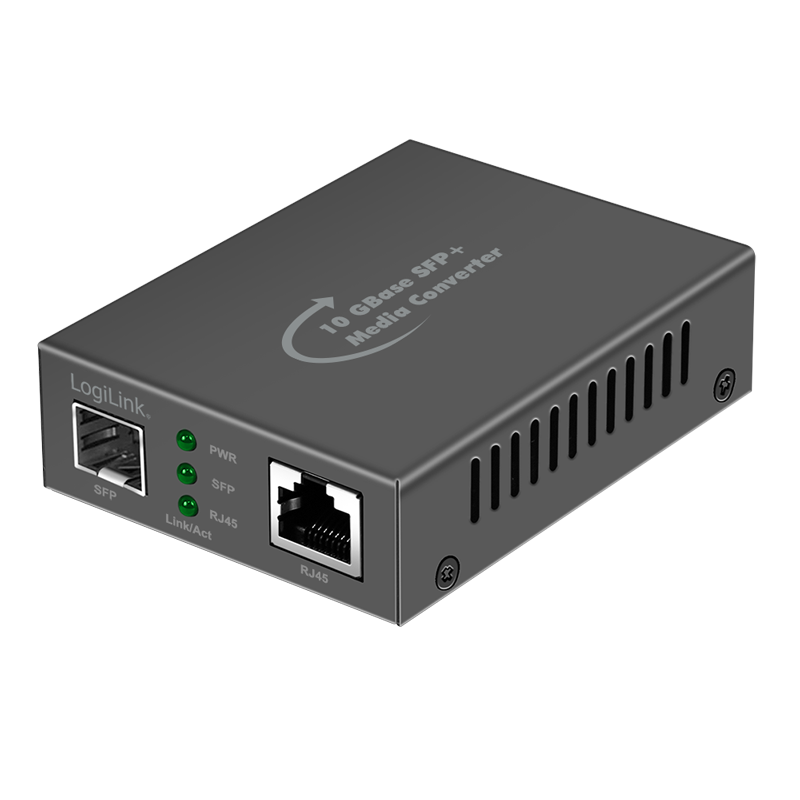
Fibre links buildings, floors and cabinets over longer distances. Patch cords and cables are chosen by fibre type and connector, a distribution frame keeps terminations in the rack in order, and a media converter with an SFP slot joins a fibre link to a copper RJ45 network.
- Links between buildings and floors
- Tidy fibre terminations in the rack
- Transition between copper and fibre
Catalogue categories
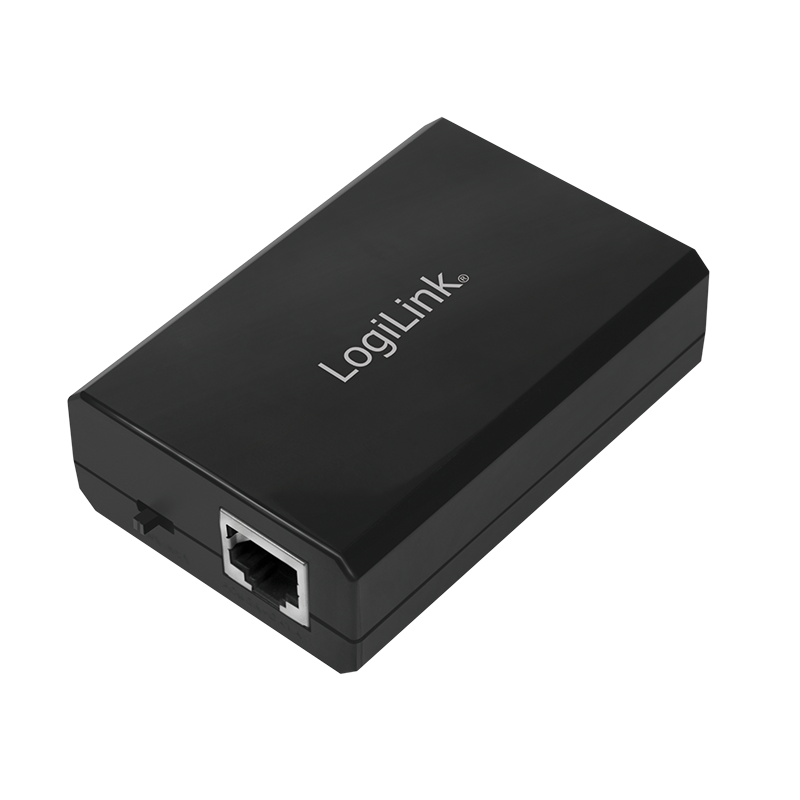
Switches and PoE
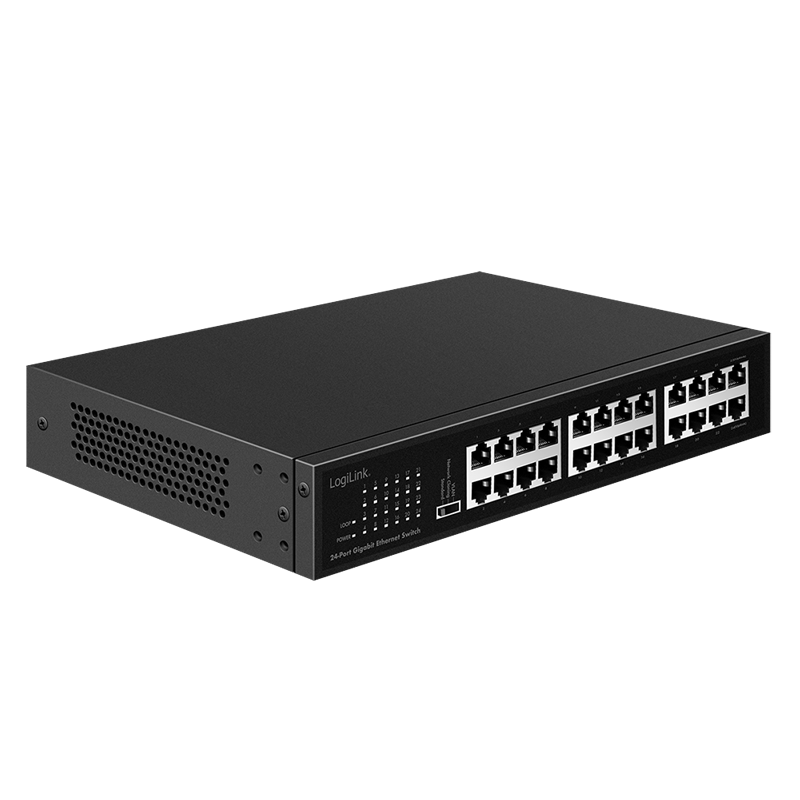
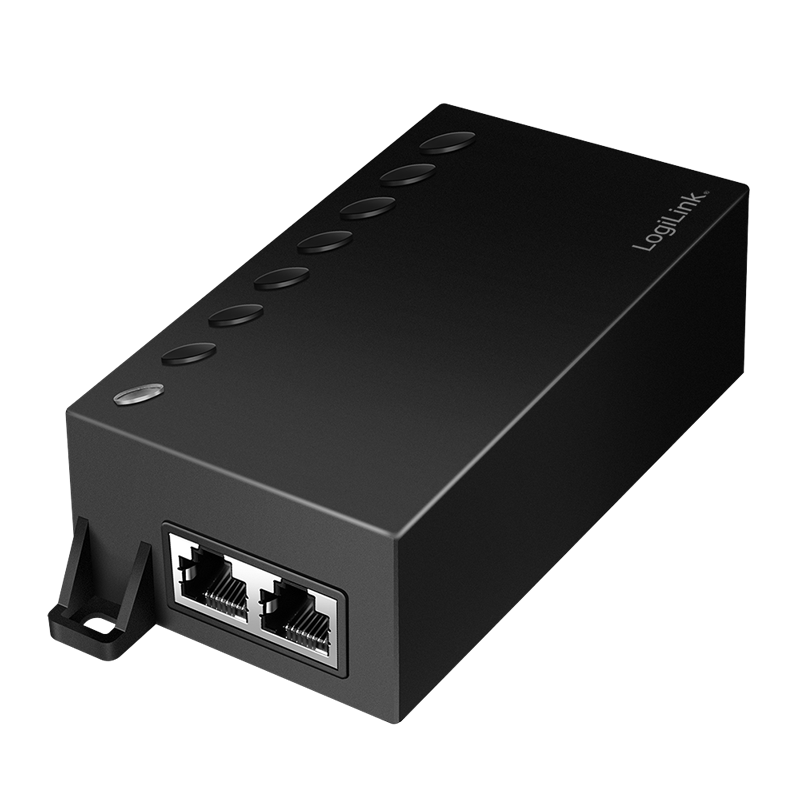
A switch shares a connection with more devices — from 5- and 8-port desktop models to 24 ports for a 19" rack. A PoE injector delivers power over the network cable to a PoE-capable access point or camera, and a splitter separates it again for a device without PoE.
- More ports at the desk and in the rack
- Power for devices without a nearby socket
- Non-PoE devices on a powered line
Catalogue categories
Connecting computers
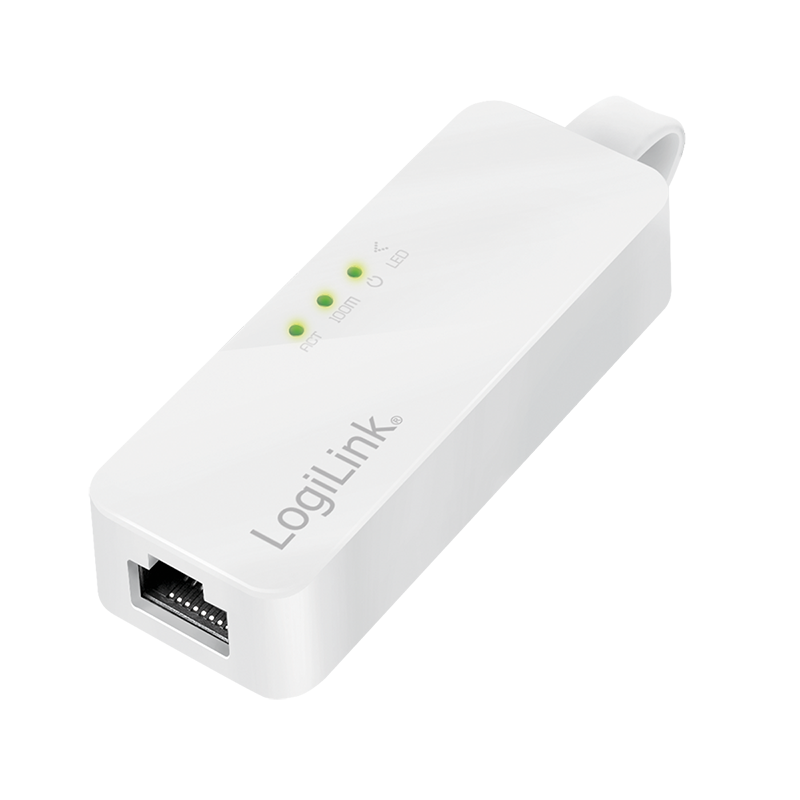
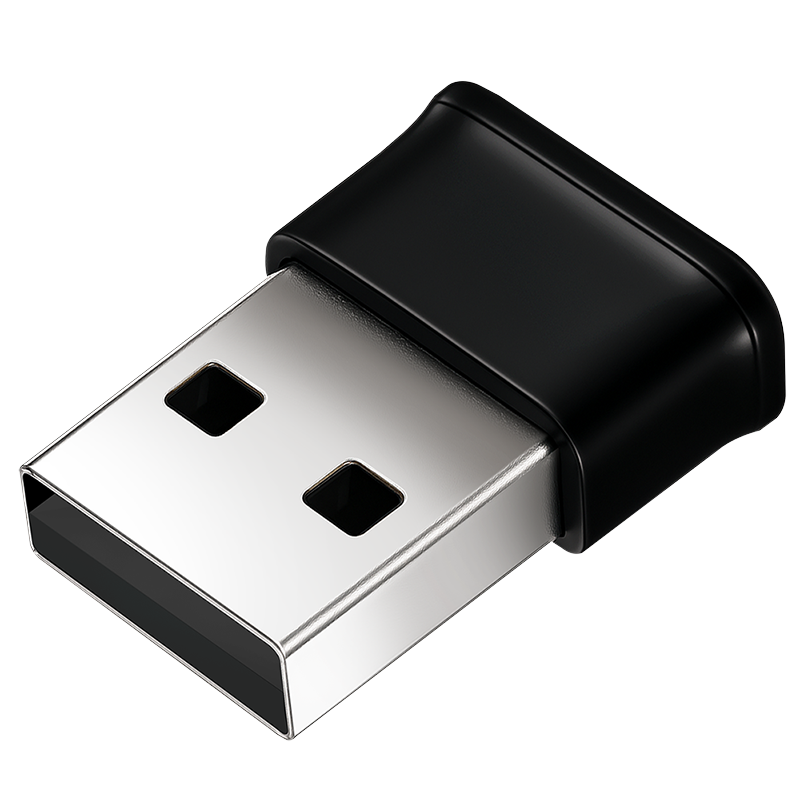
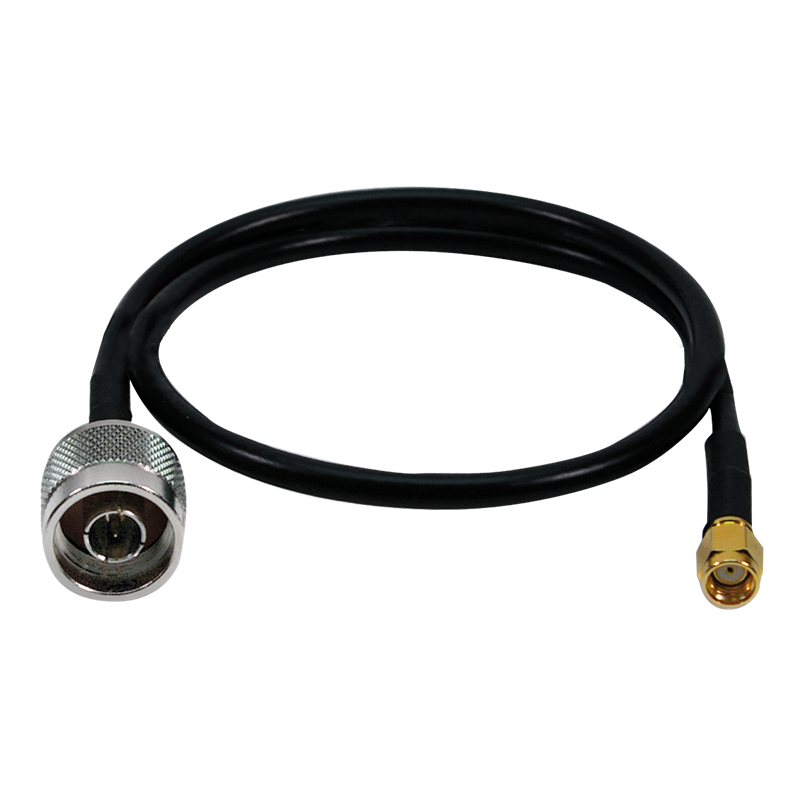
A USB Ethernet adapter adds an RJ45 port to a laptop or computer without one. Where there is no cable, a USB Wi-Fi adapter provides a wireless connection, and an antenna cable lets you place the antenna where reception is better.
- Wired network for a laptop without RJ45
- Wi-Fi for a desktop computer
- Antenna placed away from the computer case
Catalogue categories
Cable organization
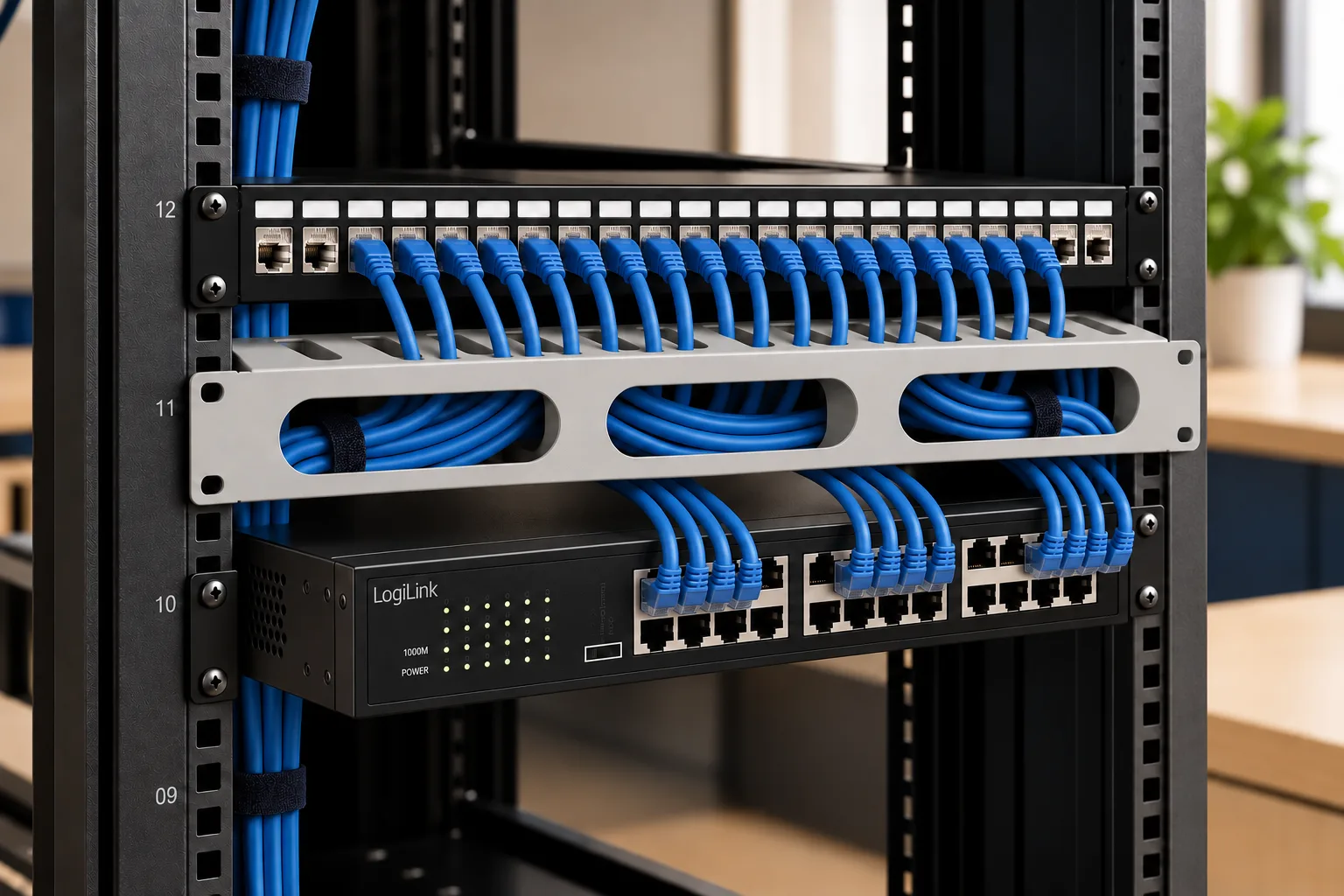
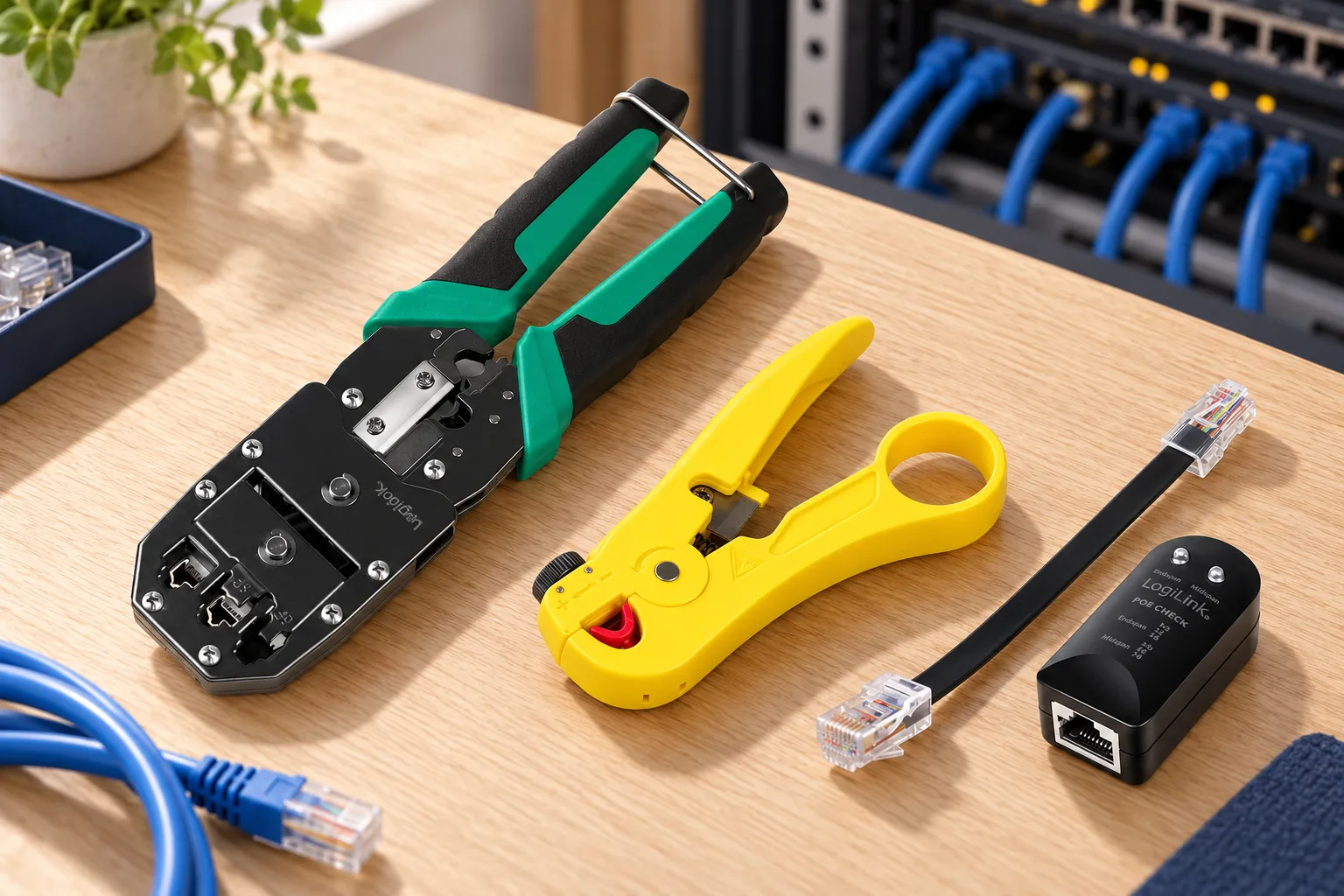
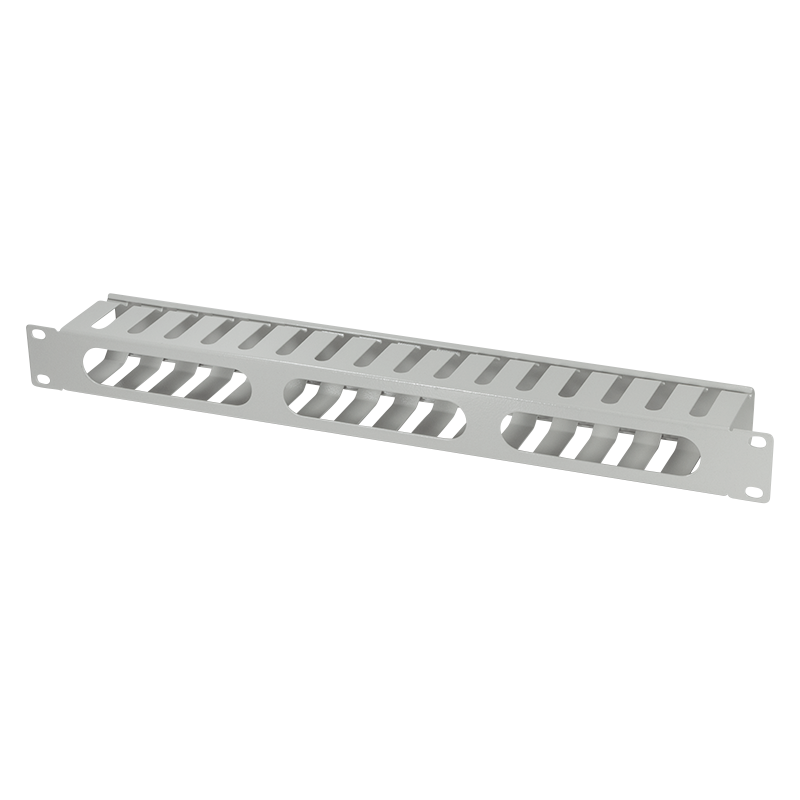
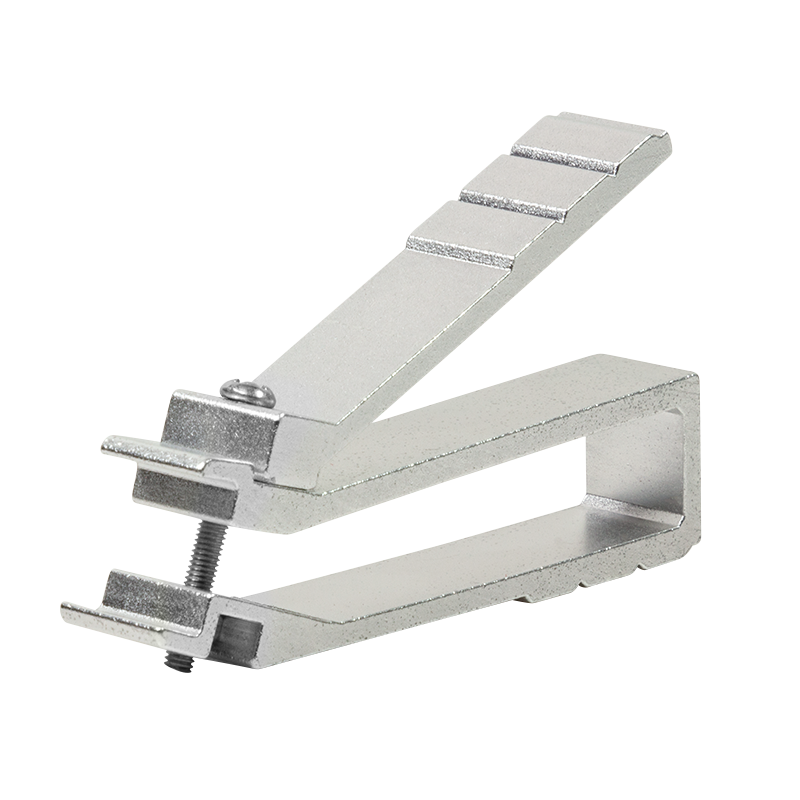
Tidy bundles are easier to label, trace and extend. A bundling tool lays cables into neat looms, a cable management panel or bar guides patch cords in the rack, and a cage nut tool makes mounting equipment on 19" rails easier.
- Neat bundles of network cables
- Patch cords routed along the panels
- Easier mounting and servicing in the rack
Catalogue categories

Installation and diagnostics
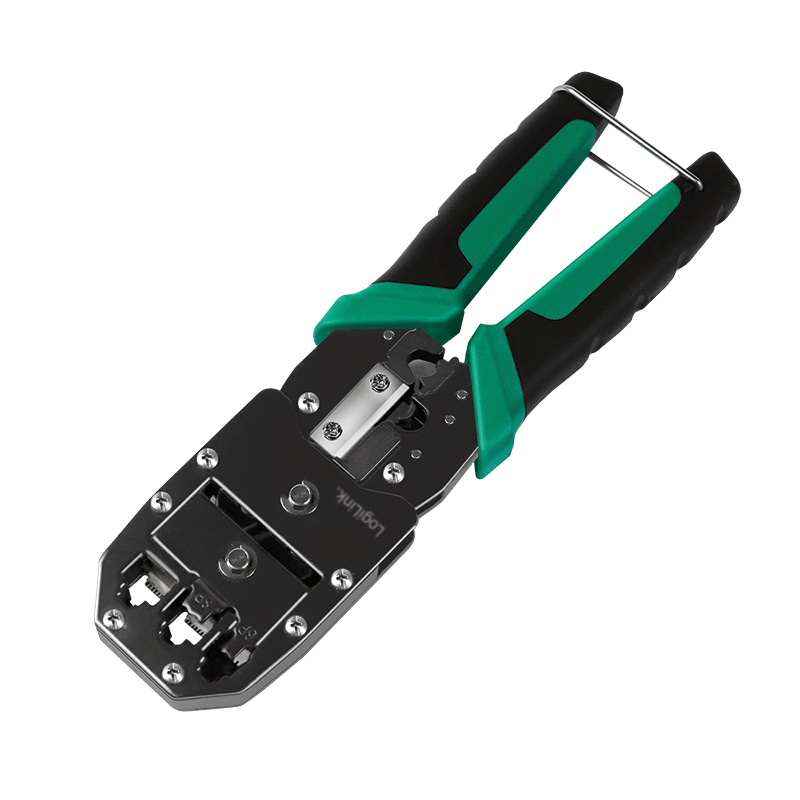
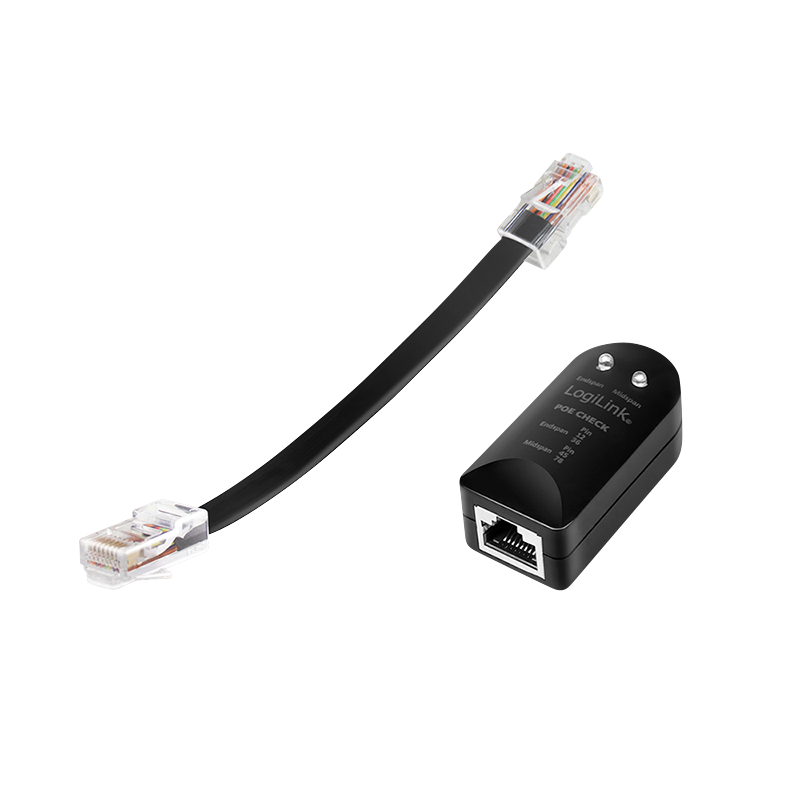
A crimping tool fits RJ45 plugs to the cable, a stripper removes the outer jacket from round cable, and a tester helps check the connection before the installation is handed over. A PoE finder shows whether a port supplies power.
- Terminating cables with RJ45 plugs
- Preparing cable for termination
- Checking connections and PoE power
Catalogue categories

Need help choosing?
Call or email us — we will help you choose LogiLink network components for your installation and point you to where to buy them.
Where to buy →- Phone
- +48 602 679 442
- ludwig@pc-akme.pl
- Opening hours
- Mon-Thu: 8:00-16:00
- Fri: 8:00-15:00
- Sat-Sun: Closed